Overview
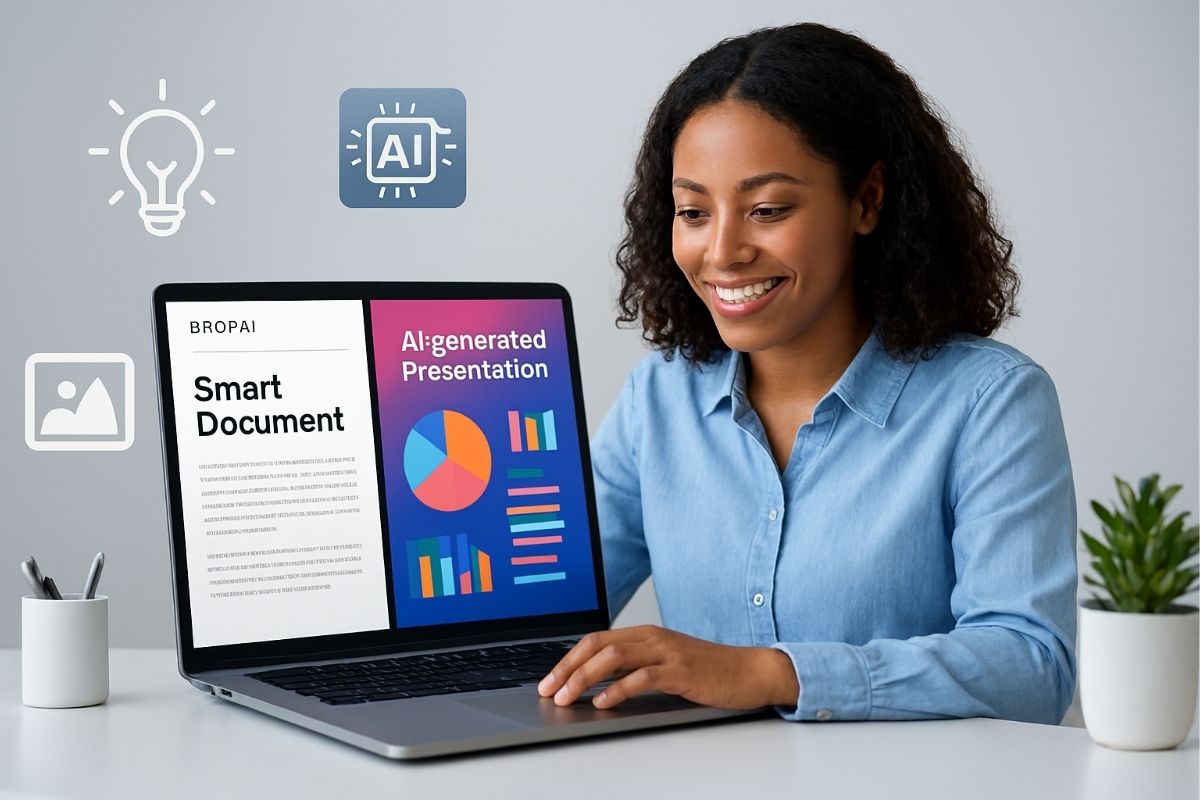
PopAi promotes itself as a document and content assistant/workspace powered by AI. From the landing page, PopAi asserts it provides these tools:
- Interacting with documents (navigating, reading/operating, layout)
- An easy way to zoom and potentially reorganize content
- Image creation on request (creating images, prompts, generation codes)
- Enabled learning with support for image-based homework
- An aspect of turning ideas into slide decks (PPTX) leveraging AI generated outline and visuals
- Sharing and exporting options
It seems that anyone looking for a seamless tool to operate with documents, visuals or presentations may be active audience members, focused on perhaps students, educators and professionals needing to create content quickly.
Below is an knowledgeable critical analysis of what is claimed on the site, what we can infer, caution about, and where may be strong or weak.
🧠 Create Smarter, Faster, Better – Get Started with PopAi Now!
What Appears to Be a Strong Possibility
1. Unified “workspace” vision
The idea of unifying document previews and reading, document editing, image composition, layout management, and slide exports in one tool is intuitively appealing. Many of us toggle between multiple “apps” — document or word processing, graphics or image tools, and slide or presentation editors. The value of unifying these processes into a cohesive tool/time saving would be high if PopAi is executed with good quality.
2. AI-assisted outlining + visuals
The idea that once you “put your mini topic [in] PopAi creates customizable outlines with smart layouts and automatic visuals” can capture the attention of whoever thinks about producing content but struggles to organize or illustrate their ideas. This could be an interesting developmental assistant.
3. Concern with improving readability and navigation
Just to read a mention of improving readability, magnifying content, and prolonged layouts in PopAi — these are small but meaningful usability enhancements. Those who work with documents that are dense often think about usability and comfort.
4. Export and share support
Exporting to PPTX is key and sharing via link are a useful support service. If the deck quality is high — clean and easy to edit, and customizable after download — and does not lock the user into a propriety format, is a strong advantage over tools that create locked files.
🧠 Create Smarter, Faster, Better – Get Started with PopAi Now!
Warnings, Dangers, and Uncertainties
1. No independent research, verification, or transparency
Aside from the landing page, I found no trustworthy independent reviews, screenshots in action, demos, user reviews, or available technical documentation. Everything is a description or claim made on the landing page. That’s a red flag: how mature is this product regardless of the authors own claims or descriptions?
2. Vague claims
The claims, statements, or features are fairly vague (“universal accessibility”, “navigate effortlessly”, “imagery is produced masterfully”, “enhanced readability”). There is very little said about limits, performance, or when it ultimately may fail. For example: what file format is supported for import? Can it handle long or complex documents? What type of style or complexity can it produce when generating an image? What is the accuracy and overall quality of a generated image?
3. AI risks and considerations for generating images
Generative image applications are powerful but have tradeoffs and drawbacks: artifact issues, styling consistency, clear understanding of licensing and ownership and, most importantly, bias. While claims dictate the positives, it remains unclear how PopAi would deal with or reduce any of these drawbacks, risks, or unknowns. Are there limits to usage? Custom generated prompts vs generic prompts? How good would the imagery be when scaled up?
4. Utilization of slide export vs editable slides after exporting
The ability to export to PPTX is valuable—but the value really depends on the editability of the slides post-export. If exporting the slides is a collection of flattened graphics, the utility of the slides for instructional interaction may be diminished. If the export is geared towards typical PowerPoint editing tools (text and shapes – all still editable, animate slides, and transition slides), that becomes much more powerful.
🧠 Create Smarter, Faster, Better – Get Started with PopAi Now!
Potential Users & Use Cases
If PopAi performs as it promises, its most likely users are:
- Students and learners: They frequently require help in transforming essay-style notes into presentation slides, find visual aids for materials, and sometimes even need to navigate lengthy readings, which is evidenced by the section “image-based homework help”.
- Professionals preparing or developing presentations: Any worker looking to generate slides quickly—especially when someone has the ability to help them.
- Writers, bloggers, content creators, etc.: Users developing visual elements of articles or reports may find benefit in outlining, embedding images, etc., when using AI. Those user-based experiences can enhance document navigation.
It may be less well-suited (or may present more risk) for:
- Highly technical / science users wanting precise control over and reliability of documents.
- Businesses or enterprises needing extreme security, audit trails, and long-term reliability.
- Users with heavy image generation requests (ex: high resolution, multiple images, long text prompts) who are unaware of potential costs or limitations.
- 🧠 Create Smarter, Faster, Better – Get Started with PopAi Now!
Final Thoughts & Advice
PopAi is, overall, engaging. It is attempting to present itself as a fairly ambitious AI-based workspace platform that includes document storage, generation of visuals, and presentations into one workspace level product. If it is able to deliver a persuasive offer, when considering its functionality, it could well be a tool used in the productivity / education space.
The part that concerns me is the lack of any external acknowledgements, proof of concept, detailed help/support, and familiarising themselves with some basic user experiences, to assure consistency within consideration. Before investing, I would address the following points:
1) reviewing other user feedback, requests, forms of proof (such as videos, demos, etc.) to see the product to review, on category of use.
2) develop a profile that is not urgent or critical. You may find that trial of the of the tool in use better serve your needs over a time in shorter form, and be less resistant to instructional use.
🧠 Create Smarter, Faster, Better – Get Started with PopAi Now!